
Forecast
Invoicing budget, schedule, quotation or subscription.
Prepare faster. Stay in control. Get paid sooner.
Tempolia prepares actual-time, fixed-fee, subscription, deposit, quantity, milestone or progress invoices from budgets, time and expenses. The source of every line remains reviewable before issue, transmission, payment and accounting export.

Invoicing budget, schedule, quotation or subscription.
Pull through time, expenses, quantities or phases.
Status, amounts, descriptions, VAT, customer and template.
Numbering, PDF, Factur-X, email and delivery.
Payment, reconciliation, reminders and accounting export.
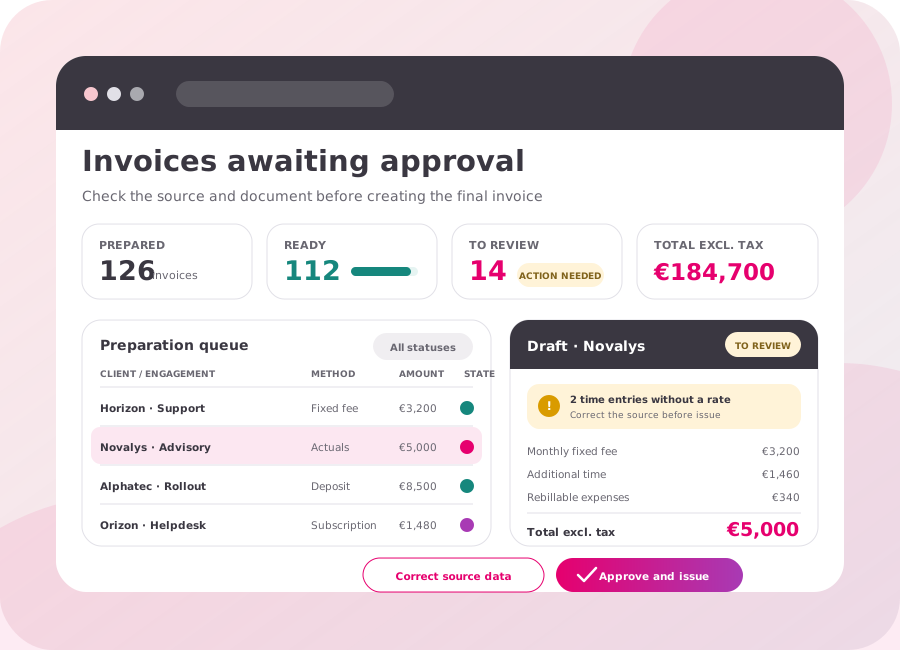
The draft remains editable. The person in charge can correct the source, description, lines and template. The invoice is issued only after approval.
Recurring due dates, renewals and flexible adjustments.
Select the time to invoice, apply custom rates and attach a detailed schedule.
Percentage by phase, cumulative amounts and successive progress invoices.
Payslips, units produced or volumes with rate scales.
Controlled recharging with supporting documents and VAT rules.
Calculated sales codes and rules specific to your organisation.
The invoicing budget prepares the scheduled instalments, then each document goes through a review stage before issue.
Time, expenses, disbursements or quantities recorded against the engagement feed the invoice lines.
Budgets, phases, milestones and completion percentages structure the preparation of progress invoices.
The invoice updates customer balances, direct debits, reminders, aged receivables and accounting exports.
Pull through time, expenses, budgets, fixed fees, quantities or milestones.
Check lines, amounts, customer, engagement, template and due date.
Approve the final document and generate the PDF and Factur-X file.
Enter or retrieve payments, reconcile them and manage direct debits.
Send aged receivables, reminders, entries and documents to accounting.
Actuals, fixed fee, subscription, deposit, quantity and progress.
The prepared invoice remains reviewable before issue.
Tailored headers, lines, schedules and correspondence.
A readable PDF with structured data.
Reconciliation, direct debits, rejections and customer balances.
Overdue and not-yet-due receivables, reminder campaigns and accounting transfers.
Yes. Invoices awaiting approval remain at a preparation stage distinct from issue: lines, amounts, descriptions, customer, VAT, template and due date can still be reviewed or corrected. Final numbering, the PDF and Factur-X are produced only after the document has been approved.
Tempolia supports fixed fees, subscriptions, time spent, expenses, disbursements, quantities, budgets, progress, deposits and calculation formulas. Activity data is brought into a preparation stage where prices, descriptions, VAT, template and due date remain reviewable before approval.
Yes. Tempolia tracks mandates and their UMRs, prepares direct debits and generates the XML files intended for the bank. Payments and rejections remain linked to the customer cycle, supporting reconciliation, due-date monitoring, aged receivables and reminders.
After approval, Tempolia numbers the document and generates a customisable PDF together with Factur-X, combining a readable document and structured data. The invoice can then be emailed or transferred through the selected route, while its status remains visible in the customer cycle.
Yes. Depending on the engagement, one preparation can include fixed-fee, actual-time, expense, disbursement, quantity, deposit, subscription or progress items. The organisation’s pricing rules and formulas are applied before the approval stage so that the team can review both the detail and the total.
Once issued, the invoice updates the customer’s balances and due dates. Tempolia continues the cycle with payment entry or retrieval, reconciliation, direct debits and rejections, aged receivables, tailored reminders, and the export of invoices, payments and movements to the accounting system.
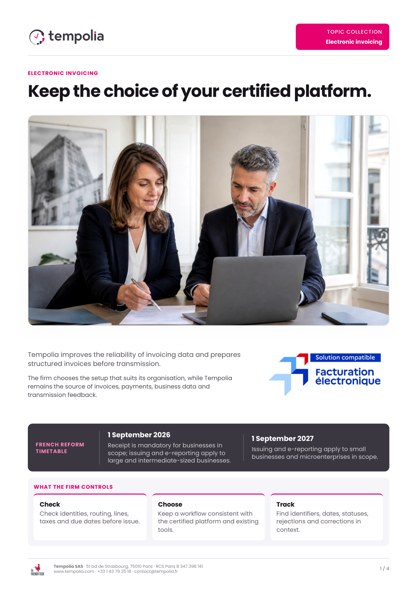 Topic Brochure
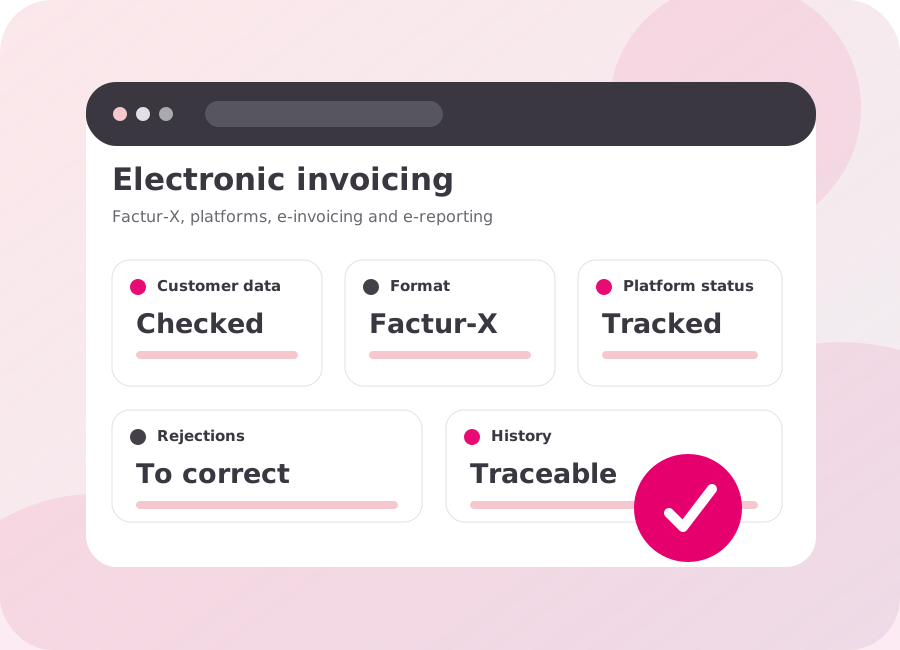
Data quality, Factur-X, certified platforms and the invoicing workflow.
Open the PDF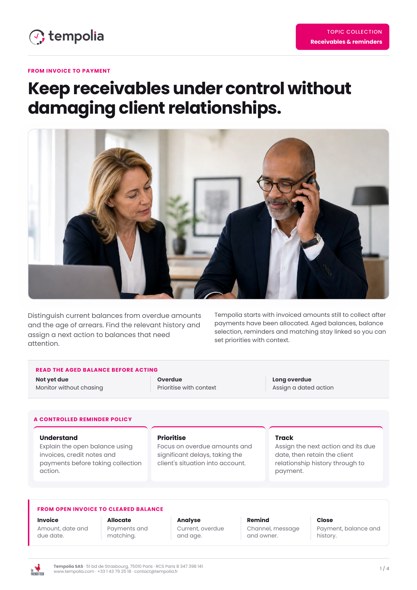 Topic Brochure
Unbilled work, aged receivables, payments and reminders in one workflow.
Open the PDFFixed fee, time and materials, subscription or progress billing: see how to prepare invoices, review them and track payments in Tempolia.