
Actual-time calendar
View the day, then move or resize time entries.
Simple entry for users. Reliable data for the business.
Unlike attendance-focused clocking, Tempolia assigns every time entry to an engagement, matter, project or activity. Once reviewed, the same data supports budgets, invoicing, capacity and profitability.
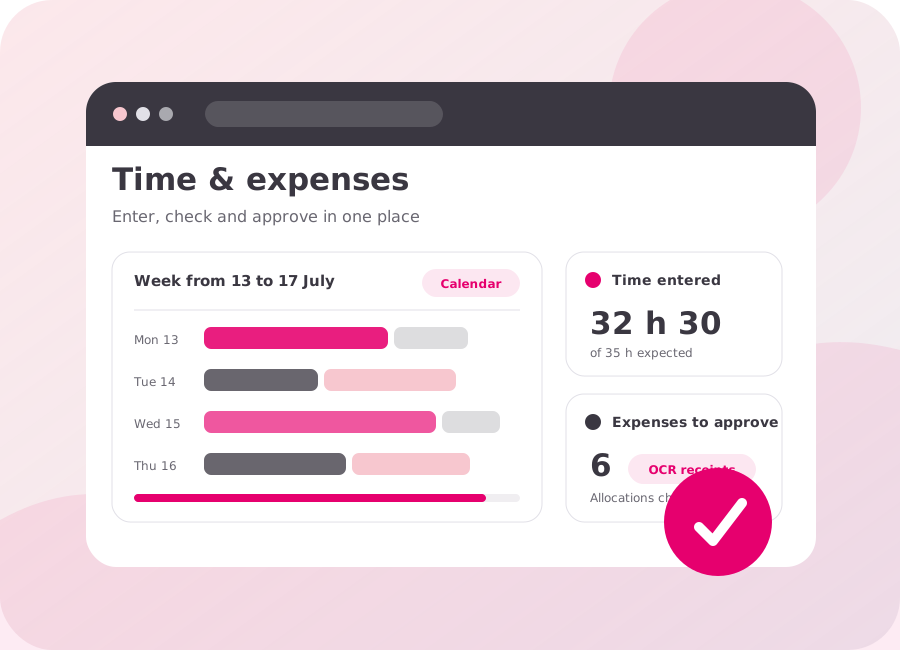
View the day, then move or resize time entries.
Quickly add an activity with its client, engagement, task and description.
Enter several days and engagements in one summary grid.
Start, pause and allocate time to the right engagement.
Query data and trigger permitted actions according to user rights.
Bring in structured CSV timesheets during a migration or for an occasional requirement.
Photograph or upload the receipt, check the data suggested by OCR (optical character recognition), allocate the expense to the right engagement, then track its reimbursement or rebilling.
Record work as it happens: your time and expenses feed directly into reviews, invoicing and project tracking, with access based on each user’s permissions.
Matters, projects, budgets, invoicing and payments: keep a clear view of your activity and profitability.
Open the full interfaceAccess your time, expenses, calendar and timers on a computer or phone, with no installation required.
Open the simplified interfaceRecord time and expenses and photograph receipts.


The staff member selects the client, engagement, task and duration without entering the data again later.
Teams that work by period can complete and review a monthly view.
The receipt is attached to the expense claim and OCR helps capture the relevant information.
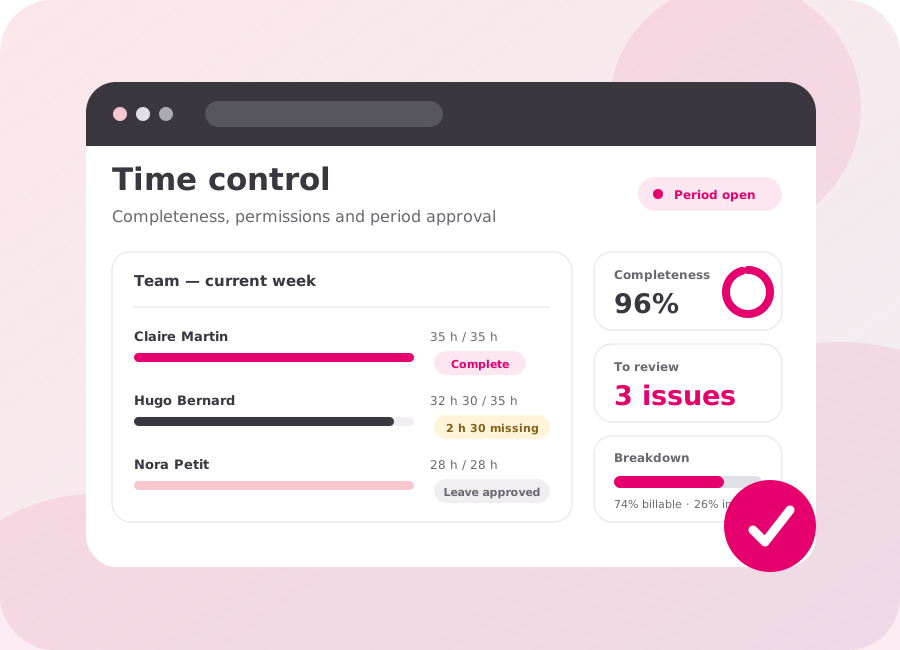
Managers check completeness before the data is used in reports and invoices.
Calendar, lines, tables, monthly entry or timer.
Reminders, permissions, completeness and allocation consistency.
Managers and teams correct anomalies before the period is closed.
Receipts, OCR, reimbursement, project cost and rebilling.
Completion rate, budget variances, capacity and non-billable time.
Tailor the interface to the user profile and working context.
Identify missing time before invoicing or analysis.
Link the receipt, engagement, reimbursement and rebilling.
Compare planned, available and actual hours.
Cost and selling price by staff member, task or engagement.
Analyse and transfer data without re-entering it.
Yes. Entry, editing and viewing permissions can be defined by profile, with open or locked periods and completeness checks. The workflow is aligned with the responsibilities of staff and managers so that anomalies are corrected before the period is closed and before the data is used in reports or invoices.
Tempolia compares entered time with available hours, absences, public holidays and expected periods to reveal gaps. Reminders and completeness checks help teams correct omissions before the period is locked and before incomplete data reaches reports, capacity analysis or invoicing.
Yes. Approved expense data can be exported with its categories, VAT, allocations and reimbursable amounts in the format expected by the accounting software. The precise flow, systems of record and checks are reviewed during scoping to prevent re-entry and duplicate data.
Yes. An expense can be linked to the customer and engagement, tracked for reimbursement to the staff member and selected during invoice preparation. Categories, supporting documents, VAT rules and rebilling terms remain identifiable, keeping internal cost, expenses and disbursements distinct.
Yes. Cost and selling price can be determined by staff member, task, engagement, quantity or an appropriate calculation rule. This valuation feeds budgets and reports to compare planned, actual and billable time, then analyse profitability without changing the duration originally entered.
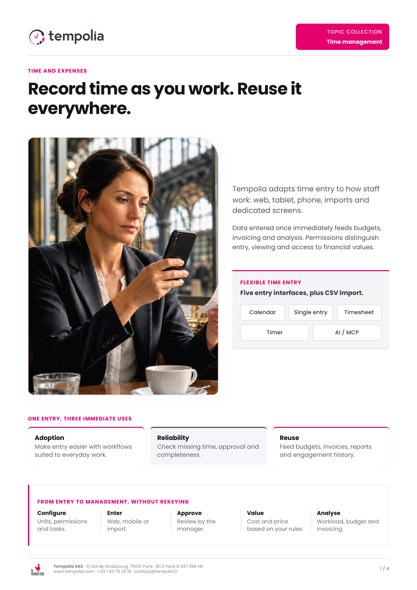 Topic Brochure
Time entry, checks and use of time data for delivery, invoicing and decisions.
Open the PDFCalendar, line, table, timer, import or AI / MCP assistant: explore the entry methods and checks available for your teams.