
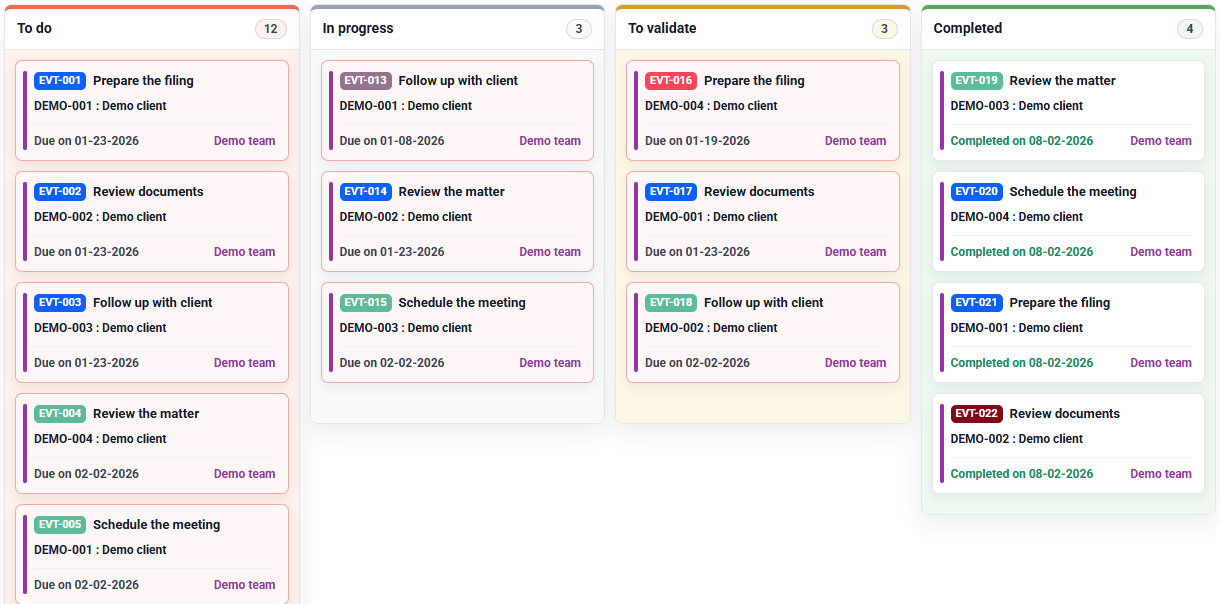
Plan and monitor deadlines
Assign deadlines, find work in progress and spot delays before reviewing the portfolio.
Explore deadlines and Kanban →Invoice on time. Track your recovery.
Tempolia connects engagements, obligations, engagement letters, time, capacity, invoicing, collections and profitability across the accounting firm. Tax-season work remains manageable without separating delivery, budgets, fees, payments and recovery variance.

The Club des Jeunes Experts-comptables et Commissaires aux comptes supports recently qualified accountants as they establish and develop their firms.

Time, engagements, budgets, invoicing and performance management: see how the data flows through one system.
Staff enter time using the calendar, a line, a table, a timer or an import. Management can then analyse it by customer, financial year, engagement, task, staff member or group.
Assign deadlines, find work in progress and spot delays before reviewing the portfolio.
Explore deadlines and Kanban →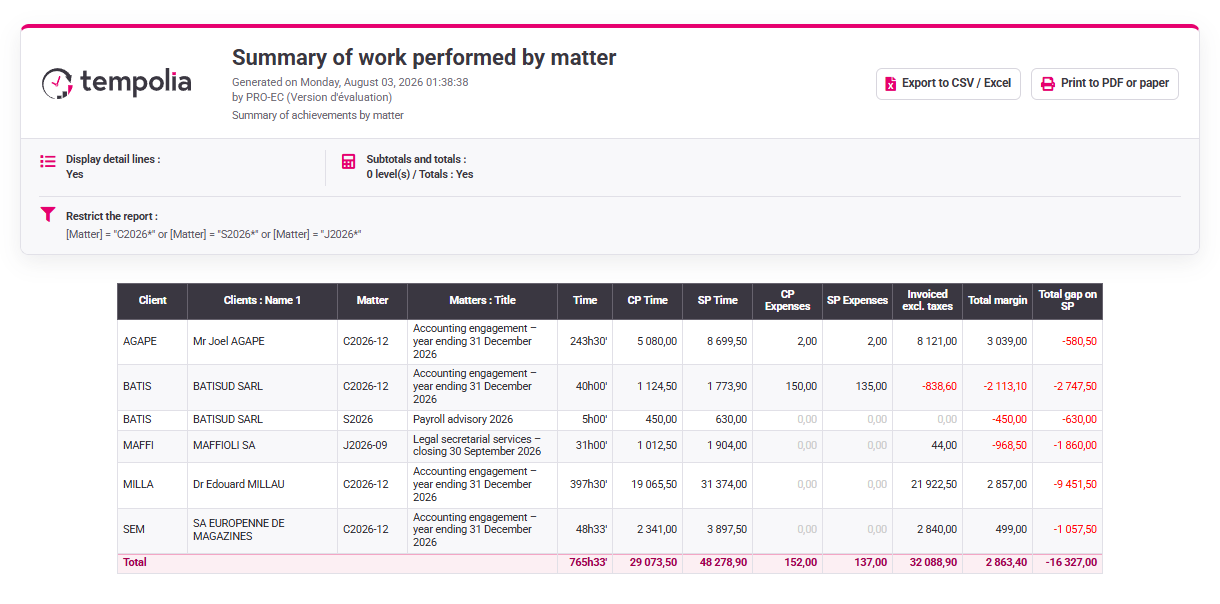
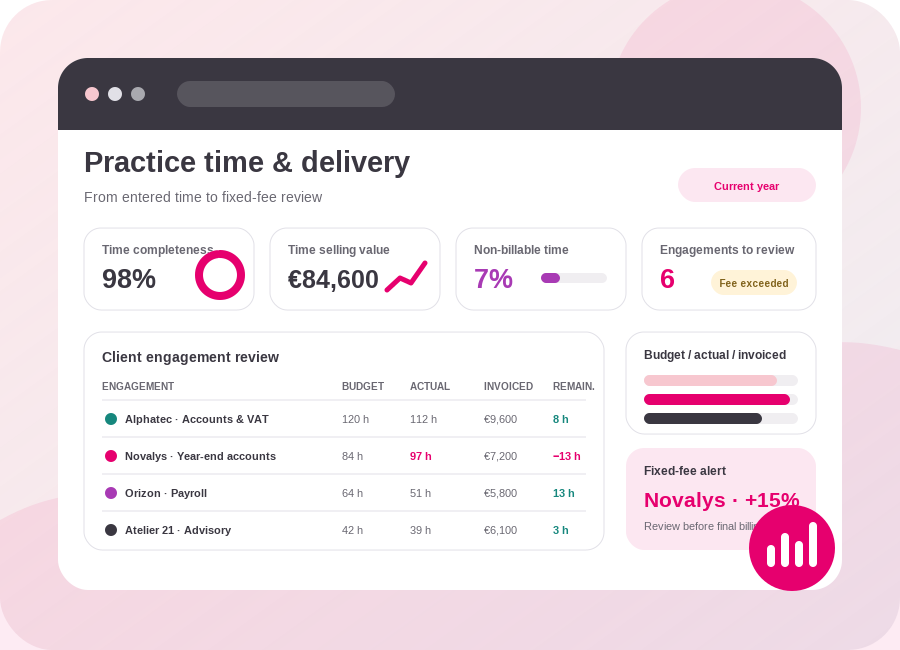
Bring together time, costs, fees and remaining work to analyse variances and prepare fixed-fee reviews.
Explore performance reports →Events, recurring deadlines, engagement templates and budgets give everyone a shared view of upcoming work.
Schedule recurring deadlines, assign them and monitor completion across portfolios.
Plan deadlines →Compare available time, budgets, leave and deadlines to anticipate pressure points.
Explore capacity planning →Identify engagements to review, fixed-fee variances and adjustments to prepare.
Explore invoice preparation →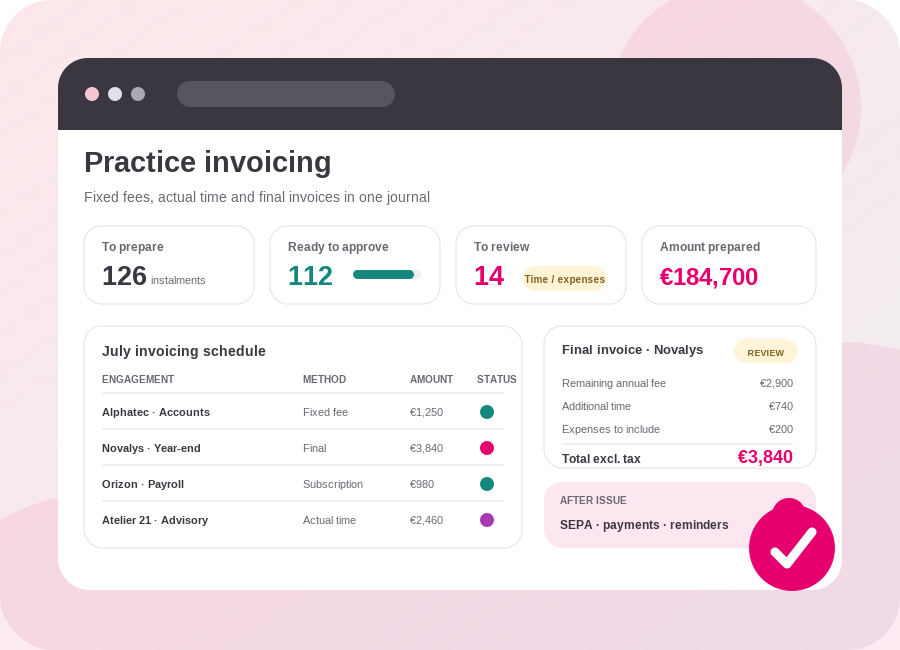
Prepare recurring invoices, review the time and expenses to include, adjust descriptions, then approve documents within a consistent journal.
Track your sales pipeline from first contact to proposal and engagement. Customise client records, find contacts and documents, and schedule the next follow-up.
Explore client relationship features →Collect documents and track acceptance checks. Prepare the engagement letter from your Word template and track electronic signing.
Explore engagement letters (PDF) →Gather identification details, beneficial ownership information and the risk assessment. Track approvals and review dates.
Explore AML/CFT support →Find contact details and call notes, match incoming calls to client records and browse client and contact directories in the iPhone and Android apps.
Explore telephony and directories →Fees and engagements: Identify workload increases, additional work to invoice and engagements nearing their end date. Explore client potential detection →
Tempolia does not replace the firm’s accounting production software. It organises engagements, time, capacity, engagement letters, invoicing and performance management, then exchanges the required data with systems that remain authoritative.
Published exports and connectors specify the transferred objects and the checks required before activation.
Check accounting connectors →Staff, leave or production data is exchanged only according to the selected flow and its prerequisites.
Review integrations and data flows →Tempolia prepares invoices and routing data; transmission and status workflows are validated with the relevant platform.
Understand the electronic invoicing workflow →AI and data protection. Prepare your analyses with Tempolia AI and assistants connected through MCP, while respecting access permissions and data protection commitments.
Accounting firms share their experience of managing time, fees and practice performance.
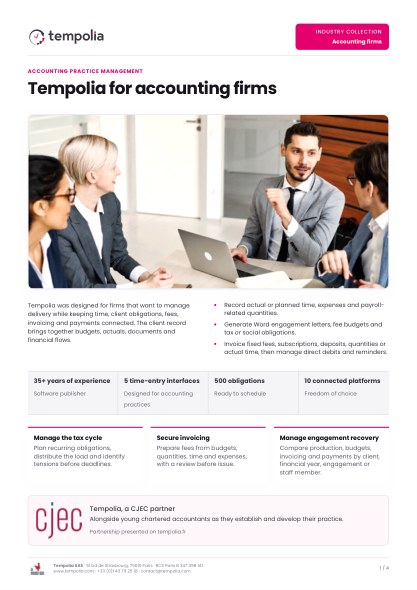
The brochure covers time, quantities, budgets, deadlines, engagement letters, invoicing, direct debits and analysis by customer or staff member.
Yes. Configuration can retain your activities, tasks, sales codes, groups, managers, invoicing templates and engagement plans so that the firm’s existing organisation is respected. Mappings are checked on representative engagements before migration, which also helps identify codes that should be retained or harmonised.
Yes. Reports compare budgets, valued time, expenses, invoicing, payments and remaining work to analyse margin and recovery by customer, engagement, assignment, staff member or group. These views reveal variances during the year and provide documented data when a fixed fee needs to be reviewed.
Yes. Invoices can be prepared in batches or engagement by engagement from schedules, time, expenses and invoicing rules. They remain editable while the manager checks lines, amounts, descriptions, VAT and the document template; final issue takes place only after approval.
We review the accounting or document-management software, the data to transfer, each system of record and the required frequency. Depending on the scope published on the page, a native export or an available connector may be used; the scenario is tested with representative customers, invoices, payments and statuses before go-live.
Engagement letters are linked to the customer, engagement, shared obligations and invoicing; the firm can use its own Word template and track the signature workflow. Budgets, schedules, actual time and invoiced amounts then show progress, recovery and any adjustments that need to be prepared.
Staff access their engagements, time and deadlines. Managers monitor portfolios and capacity; partners review invoicing, receivables and profitability. Administrators manage records and access permissions for each role and group.
Time, budgets, invoicing, deadlines, profitability and support are the themes mentioned most often.
“As a Tempolia user, I value its flexibility and ease of use. Its extensive configuration options allow the software to adapt to our needs and provide precise engagement tracking. The team answers our questions capably and remains open to suggestions that help the product progress.”
“As an accounting firm, the product meets our expectations. It is clear and precise, and you quickly realise that it was designed by real professionals. The support team is accessible, listens and continues to improve the product. We would not hesitate to recommend it.”
“We have used Tempolia for several years. The program offers numerous options for managing time, expenses, deadlines, budgets, customer records and invoicing. Support is extremely conscientious, and solutions are generally provided on the first call.”
Industry BrochureEngagements, time, deadlines, budgets, invoicing and practice management.
Open the PDF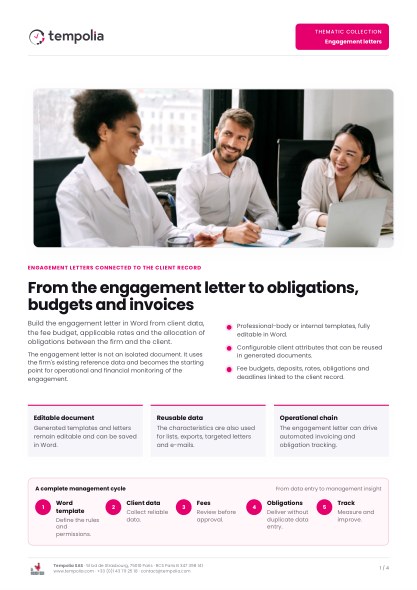 Topic Brochure
Word templates, shared responsibilities, fee budgets and electronic signatures.
Open the PDF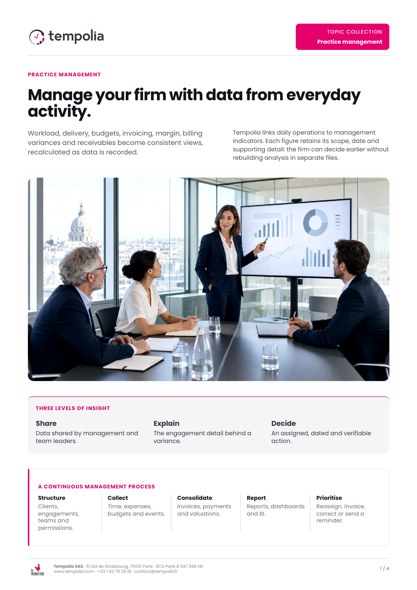 Topic Brochure
Dashboards, variances, budgets and indicators drawn from day-to-day activity.
Open the PDF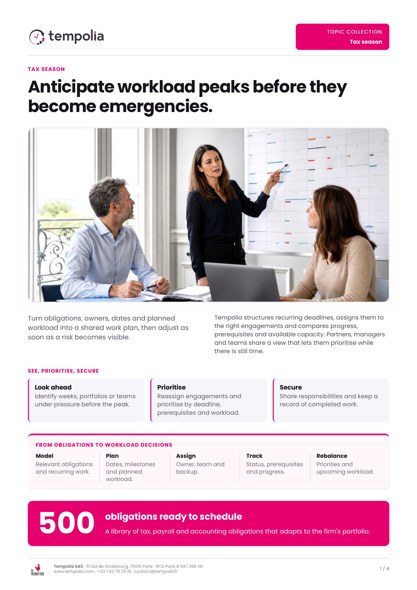 Topic Brochure
Plan deadlines, allocate workloads and track engagement progress.
Open the PDF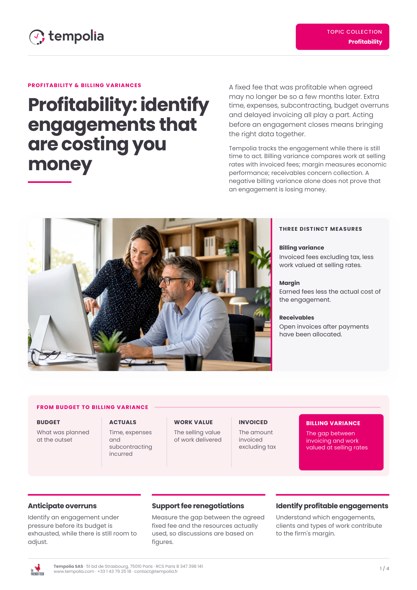 Topic Brochure
Compare budgets, actual costs, fees and billing variances for each engagement.
Open the PDF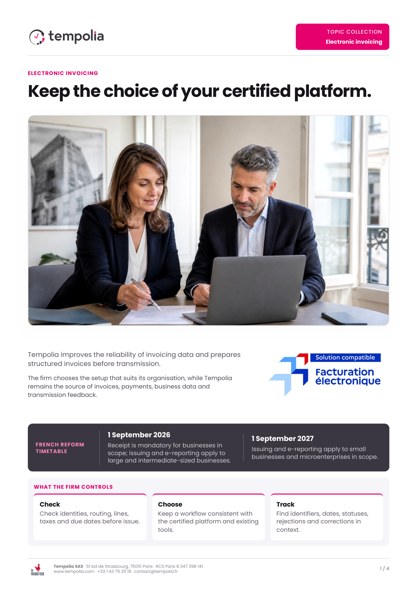 Topic Brochure
Data quality, Factur-X, certified platforms and the invoicing workflow.
Open the PDFThe demo uses your engagements, fixed fees and deadlines, then links time, budgets, invoices, receivables and margin to analyse recovery.