
Configurable custom fields
Add fields for your business and group them into sections. Choose their display order to build a client record that suits the way you work.
Track contacts, proposals and client documents. Use engagement details, time records and fees to prepare for each discussion.

Answer a question about an engagement, explain a fee difference or prepare a proposal using the client’s records.
Compare budgets, actual work and fees →Named contacts, Sirene company identification, custom fields and client documents.
Recorded discussions and upcoming engagement dates.
Time spent, amounts invoiced and outstanding balances to review.
Keep your business information, client contacts and search criteria together in one record.
Add fields for your business and group them into sections. Choose their display order to build a client record that suits the way you work.
Find the client’s contacts, their roles and contact details. Keep documents, events and recorded discussions close at hand.
Filter clients by staff member, activity or custom field. Save useful views and export your selection to CSV or Excel, within your access permissions.
Record the sales stage, contact source and next follow-up date. For each opportunity, specify the proposed engagement, estimated fees, probability and expected decision date.
Keep useful notes and the reason for a lost proposal to inform future discussions.
An increasing workload with unchanged fees, additional work to invoice or an engagement nearing its end date: Tempolia highlights situations worth reviewing.
Review the data behind each suggestion, then pursue, postpone or dismiss it. A suggestion you pursue can become a tracked opportunity.
Ask questions about your client base and prepare follow-ups in natural language, using information you are authorised to access.
The assistant helps you review the engagements, time records and fees you can access to prepare opportunities to discuss with your clients.
Using the proposal and context you provide, the assistant prepares a draft for you to review and adapt before sending.
You decide which opportunities to pursue and which messages to send.
Explore Tempolia AI and connected assistants →Keep track of required documents, acceptance checks and signatures.
Set out the planned work, fees and terms of service. Prepare an engagement letter tailored to the work and commitments agreed with your client.
Track client acceptance checks. For activities subject to AML requirements, keep identification details, beneficial ownership information, the risk assessment and approvals together.
Explore AML tracking →Use your Word template, specify each party’s responsibilities and track electronic signing.
From your desk or your phone, find contact details and the context of each client relationship.
Connect Tempolia to your phone system through the Keyyo API. With a compatible phone system, clicking a number starts a call from Tempolia. Other Centrex services can be connected depending on the interfaces provided by the operator.
Match an incoming phone number against the client and contact directory to find the right record. View calls for your assigned lines and save a note against the client.
On iPhone and Android, browse the clients, contacts and staff directories you have access to. Search for a contact, call or email them directly. You can also share their details or add them to your phone’s contacts.
Filter your client list to prepare a targeted update or invitation.
Prepare emails and targeted email campaigns using selected contacts, or export your recipient list. Duplicate addresses and known opt-outs are taken into account.
Export recipients in Mailjet format or synchronise lists with your connected account. Campaigns are created and sent in Mailjet.
Explore communication options →Connect prospecting in HubSpot with engagement management in Tempolia. The connector uses contact and company data to create or update client records according to the agreed field mappings and triggers.
Explore business integrations →Boost growth at your firm. Explore our partner Sesha’s offering for your practice’s business development.
 The CRM for accounting firmsExplore Sesha CRM
 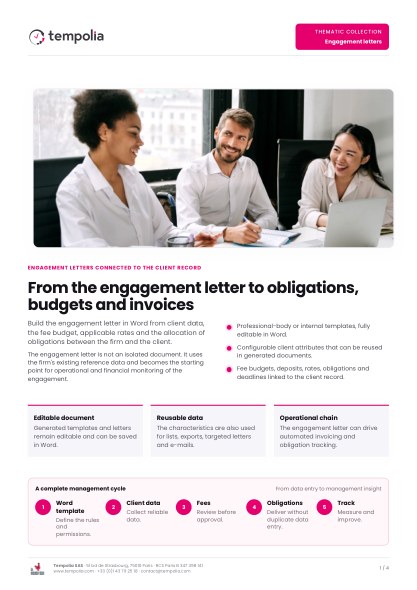 Topic Brochure
Word templates, shared responsibilities, fee budgets and electronic signatures.
Open the PDF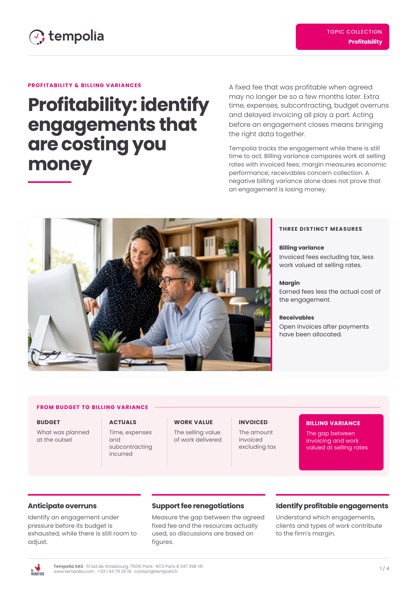 Topic Brochure
Compare budgets, actual costs, fees and billing variances for each engagement.
Open the PDFFrom a new contact to ongoing work, see how to track proposals, gather documents and prepare for client discussions.