Time & expenses
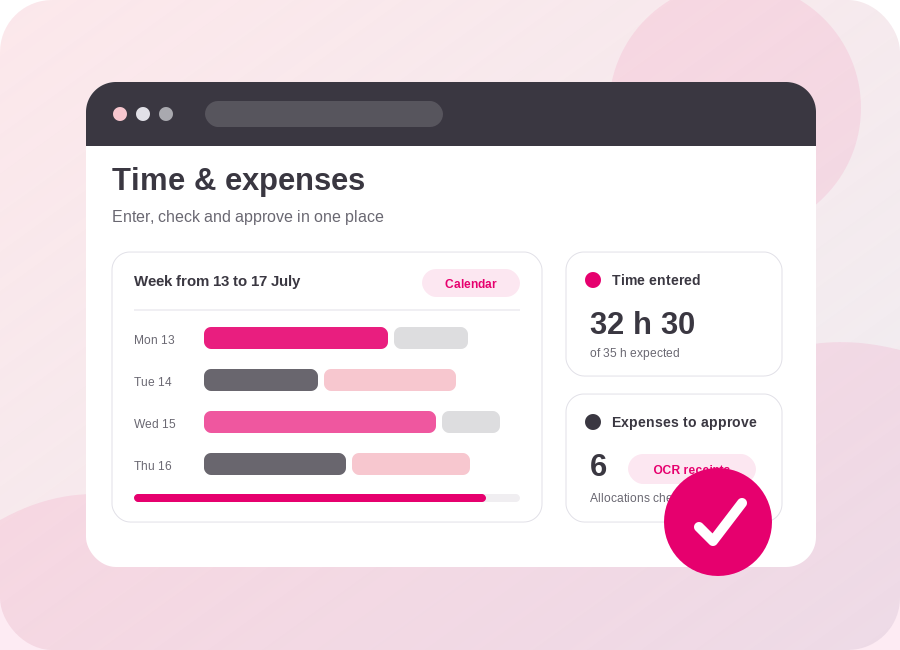
Five entry methods, checks, OCR, supporting documents, budgets and valuations. + iPhone & Android app
Explore time and expense managementComplete internal management, from data entry to delivery.
Tempolia organises data around three straightforward master records: clients, engagements and staff. Every module uses this structure to prevent duplicate data entry.

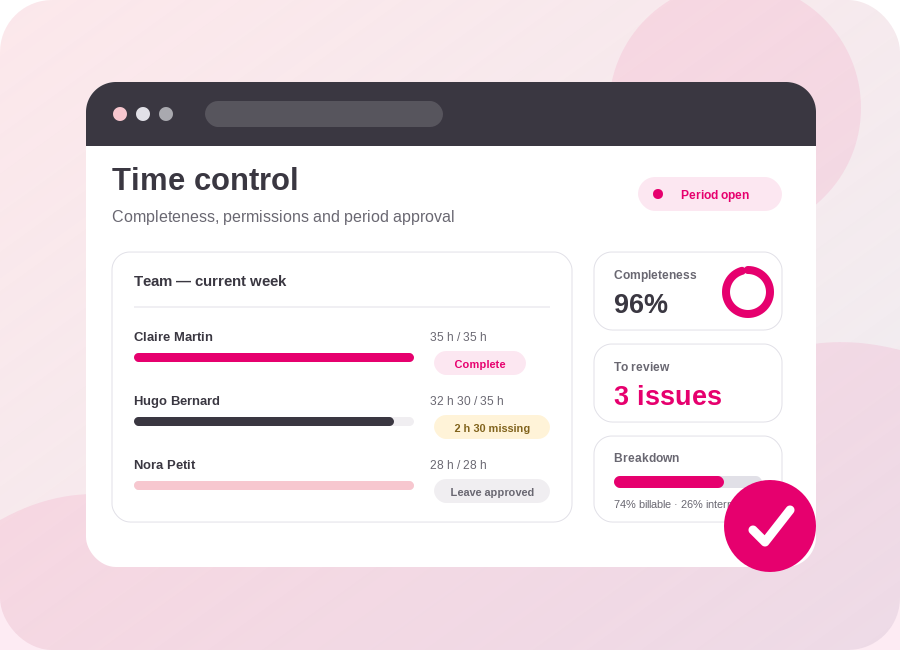
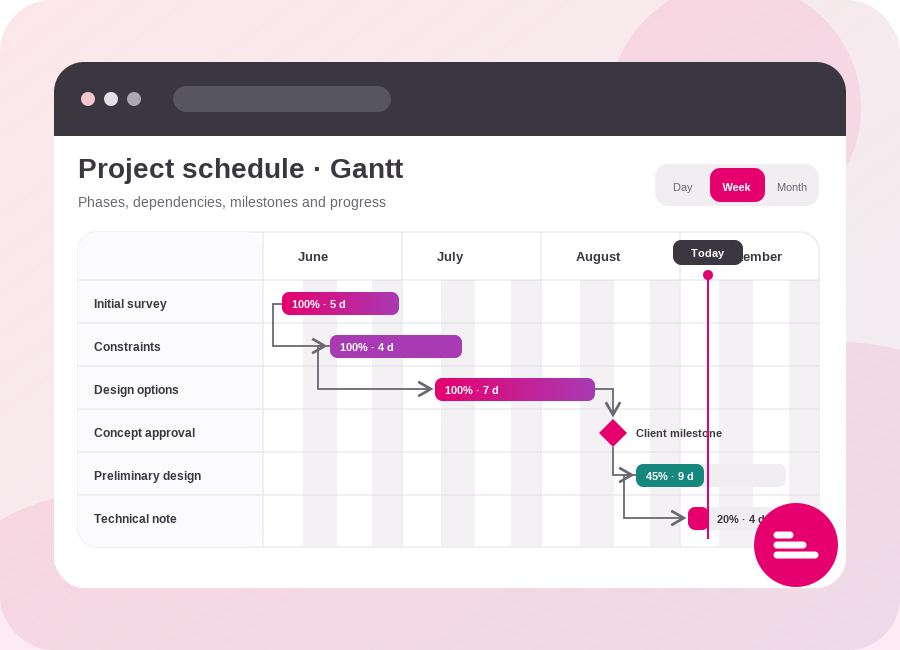
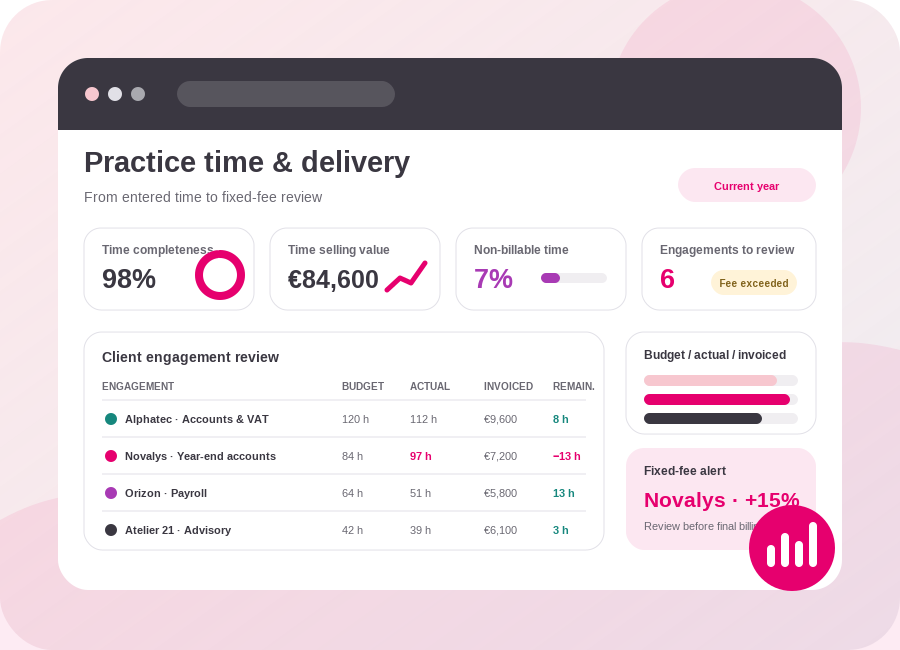
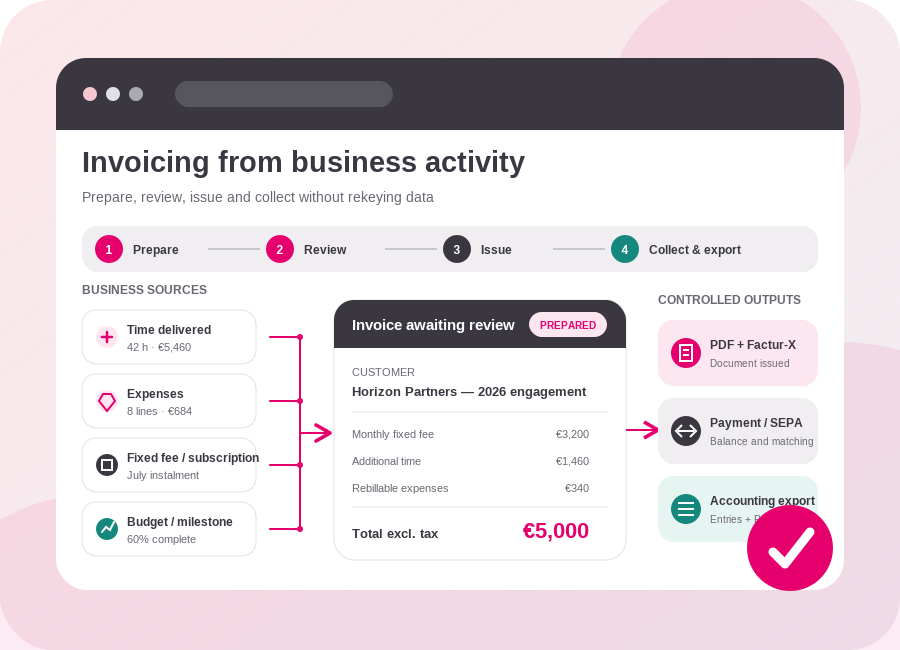
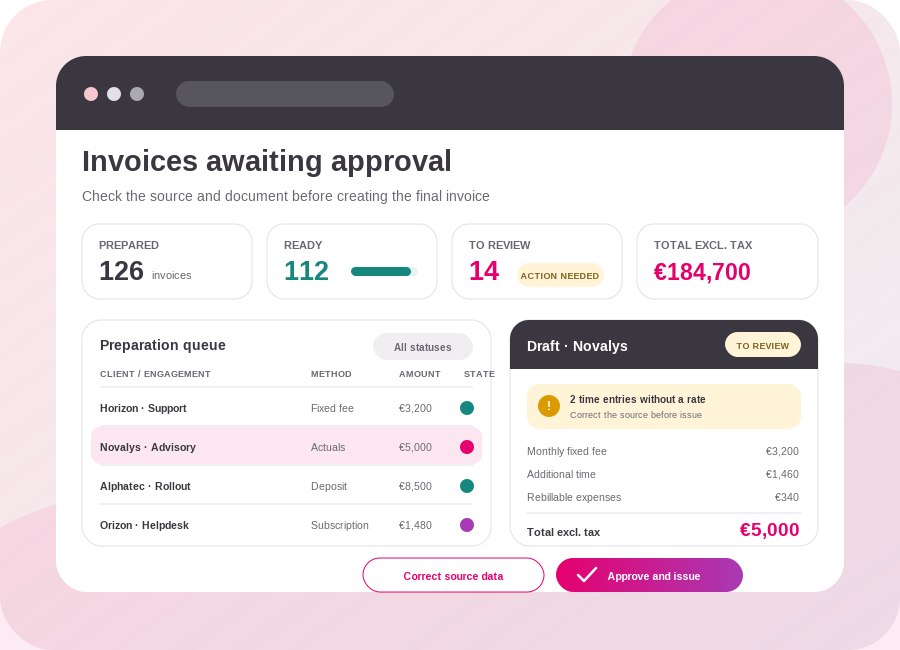
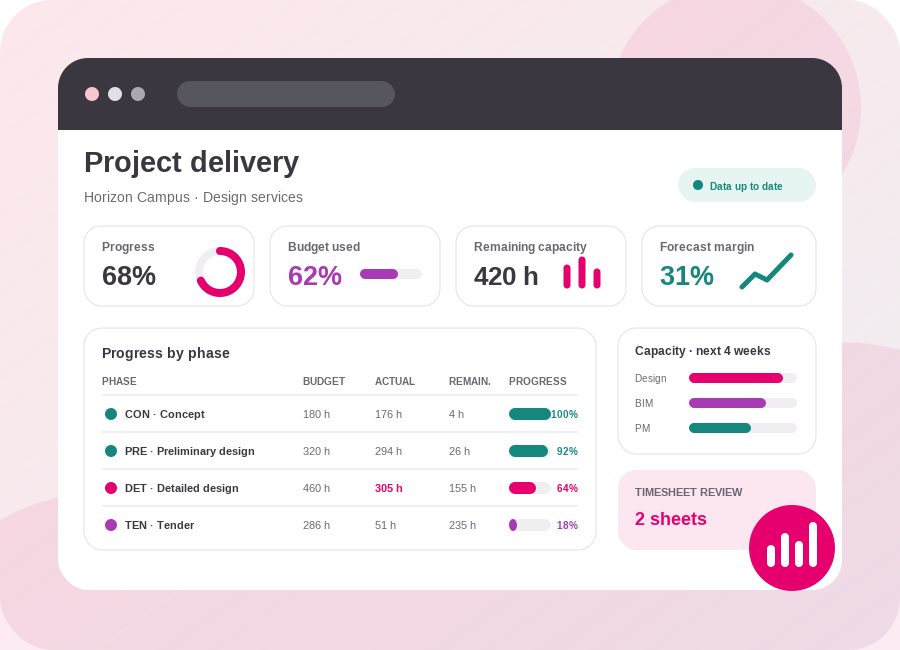
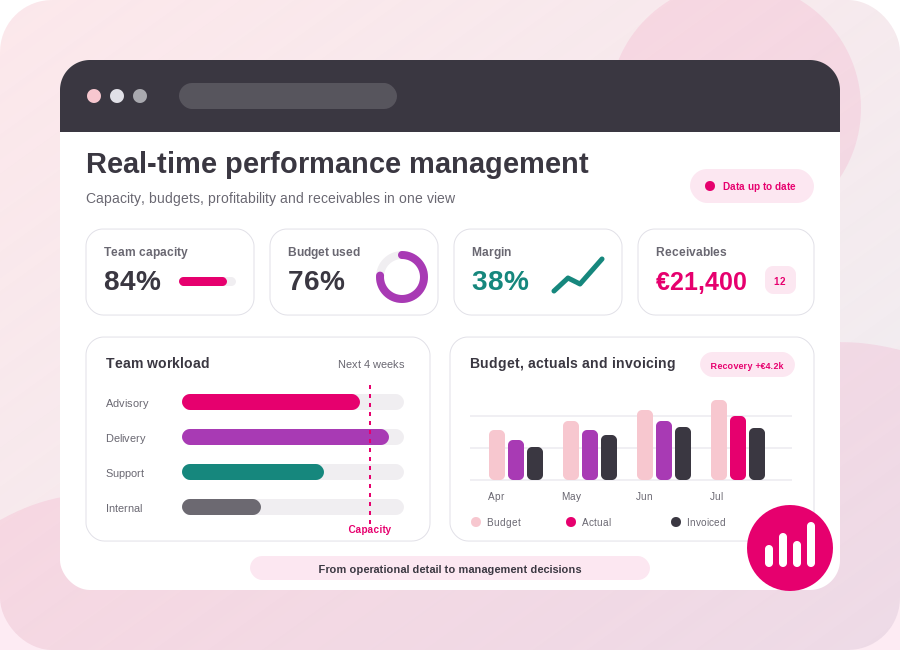
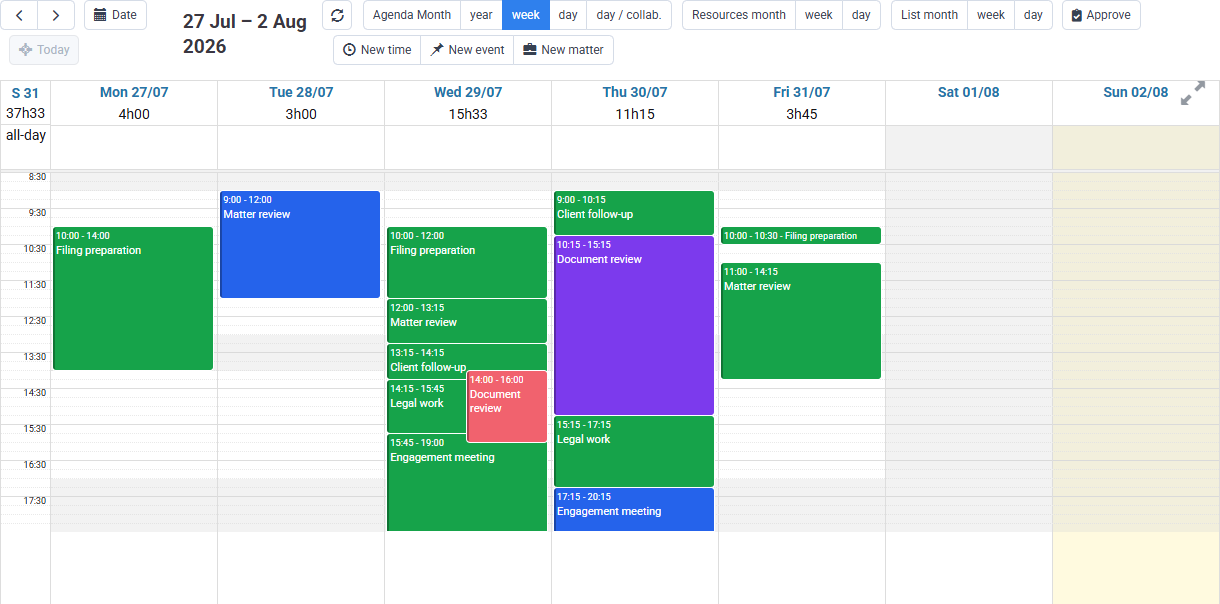
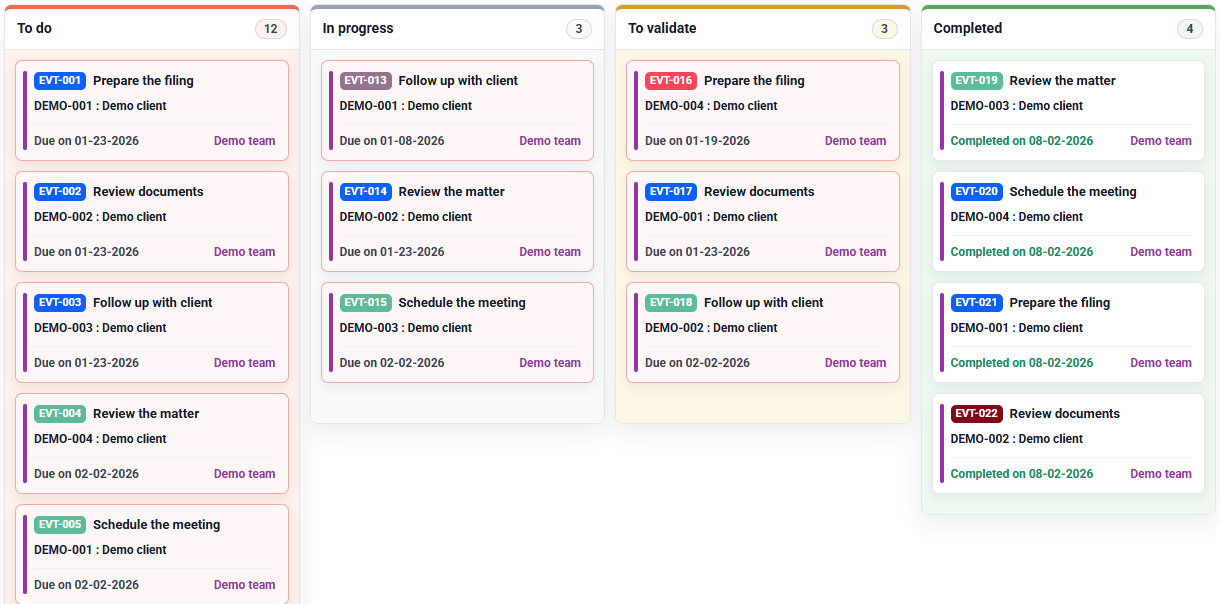
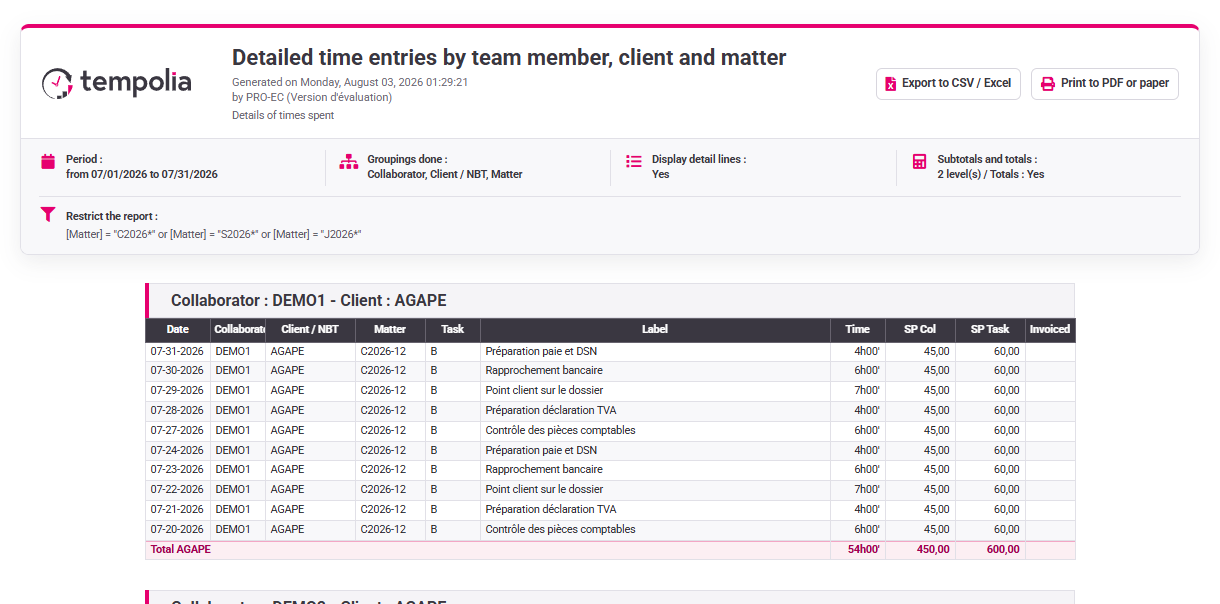
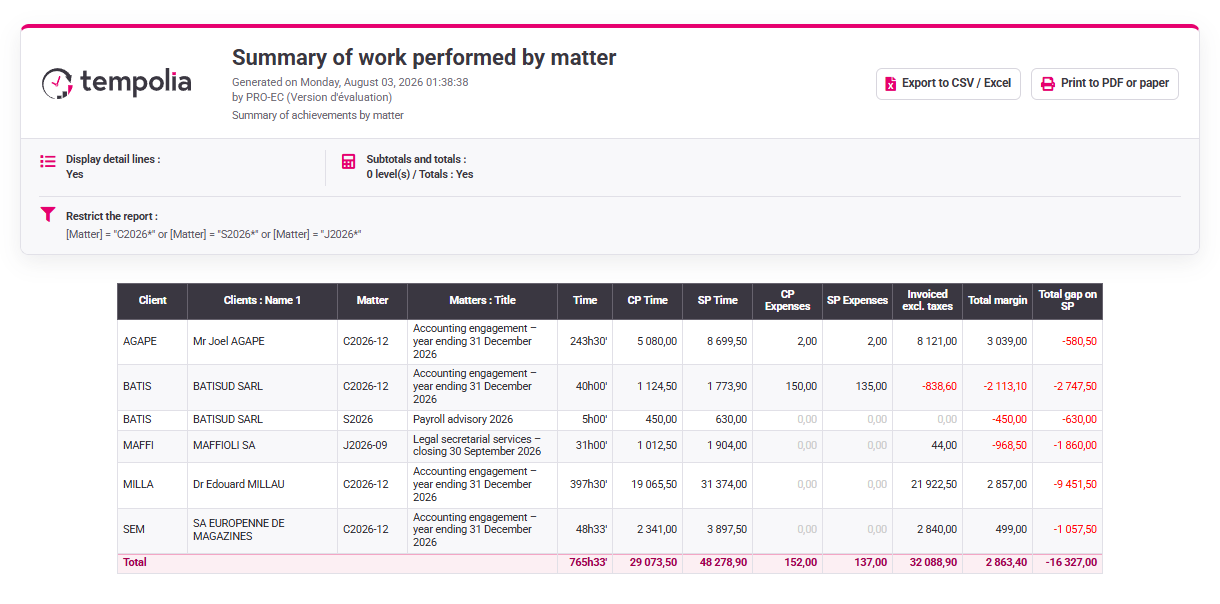
Here are four examples of what can be viewed in Tempolia:
Five entry methods, checks, OCR, supporting documents, budgets and valuations. + iPhone & Android app
Explore time and expense managementQuotations, preparation, approval, invoices, credit notes, Factur-X, matching, SEPA, schedules and reminders.
Explore invoicing and paymentsMargins, recovery, capacity planning, reports and pivot tables.
Explore profitability managementImports, exports, API, PA/eReporting, accounting, BI, HRIS and SSO.
Explore Tempolia integrationsCompanies, banks, VAT, codes, templates, profiles and granular permissions.
Review permissions and security →Rates, roles, groups, leave, available time and access rights.
View permissions by role →Contacts, documents, prospecting and opportunities. Customisable client records linked to engagements, budgets and invoicing.
Explore client relationship features →Calendar, reminders, shared schedules, Kanban and engagement letters.
View the calendar and Kanban →Entry, checks, expenses, OCR and valuation.
See time and expense managementPreparation, approval, collections and reminders.
See the billing workflowBudgets, margins, capacity and reports.
Explore profitability managementAPI, accounting, HRIS, BI, SSO and PA.
See APIs and integrations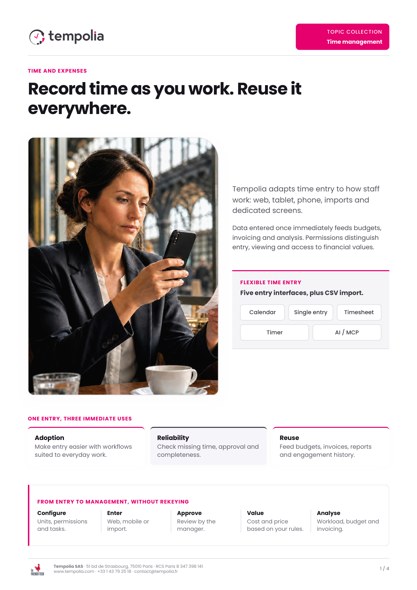 Topic Brochure
Time entry, checks and use of time data for delivery, invoicing and decisions.
Open the PDF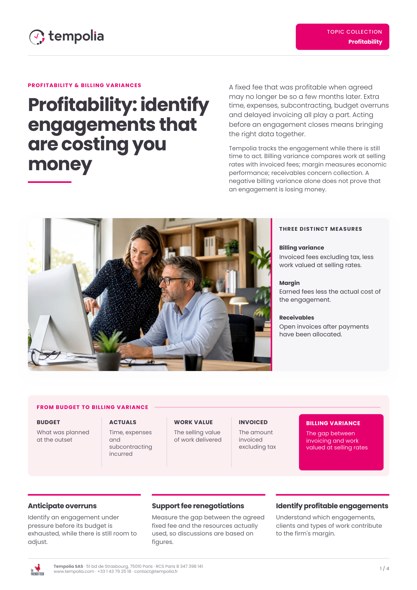 Topic Brochure
Compare budgets, actual costs, fees and billing variances for each engagement.
Open the PDF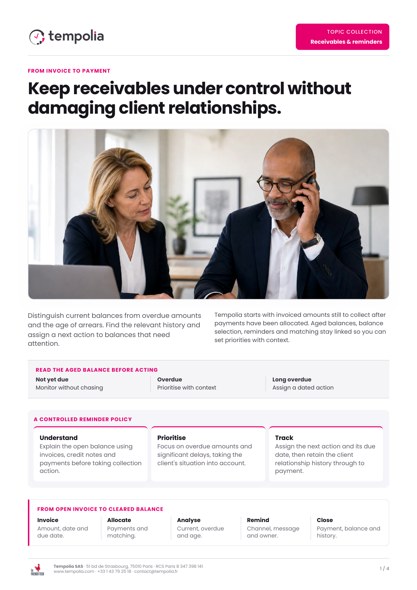 Topic Brochure
Unbilled work, aged receivables, payments and reminders in one workflow.
Open the PDFWhat takes too much time today? Tell us how you work, and we’ll show you the Tempolia features that can help.